Model Deployment
View Inference Service List
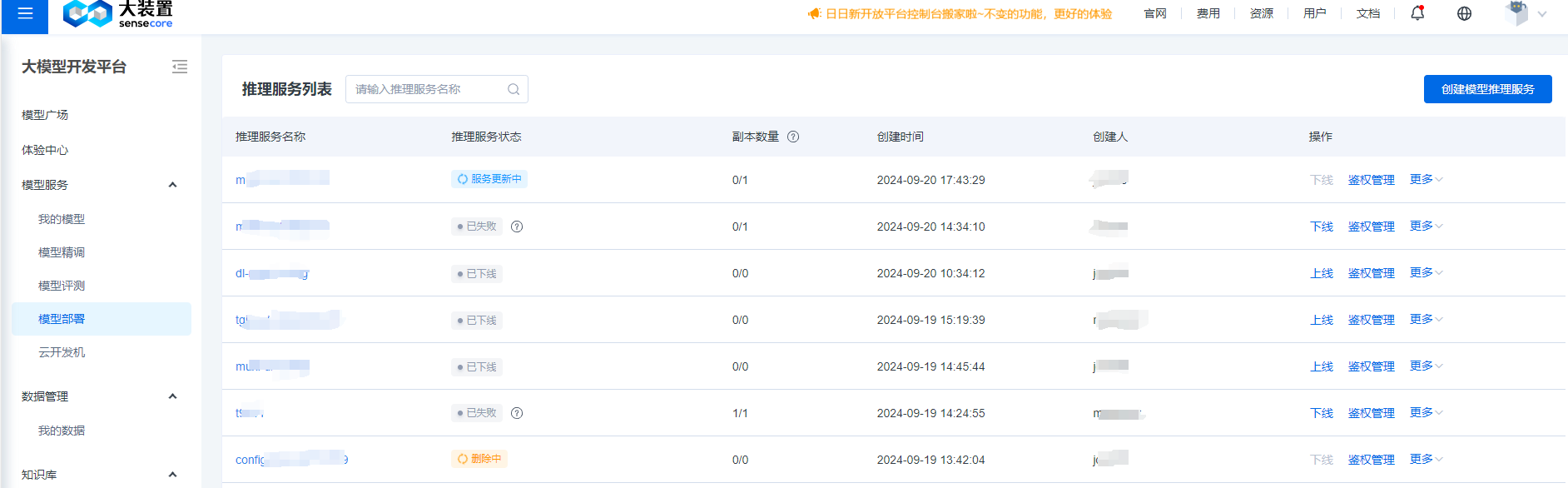
On the inference service management page, you can manage all the inference service instances you have permissions for.
Create Inference Service
If you need to create an inference service based on your own large model, you can first upload your large model to the model platform, and then create the inference service on the inference service creation page, as shown below:
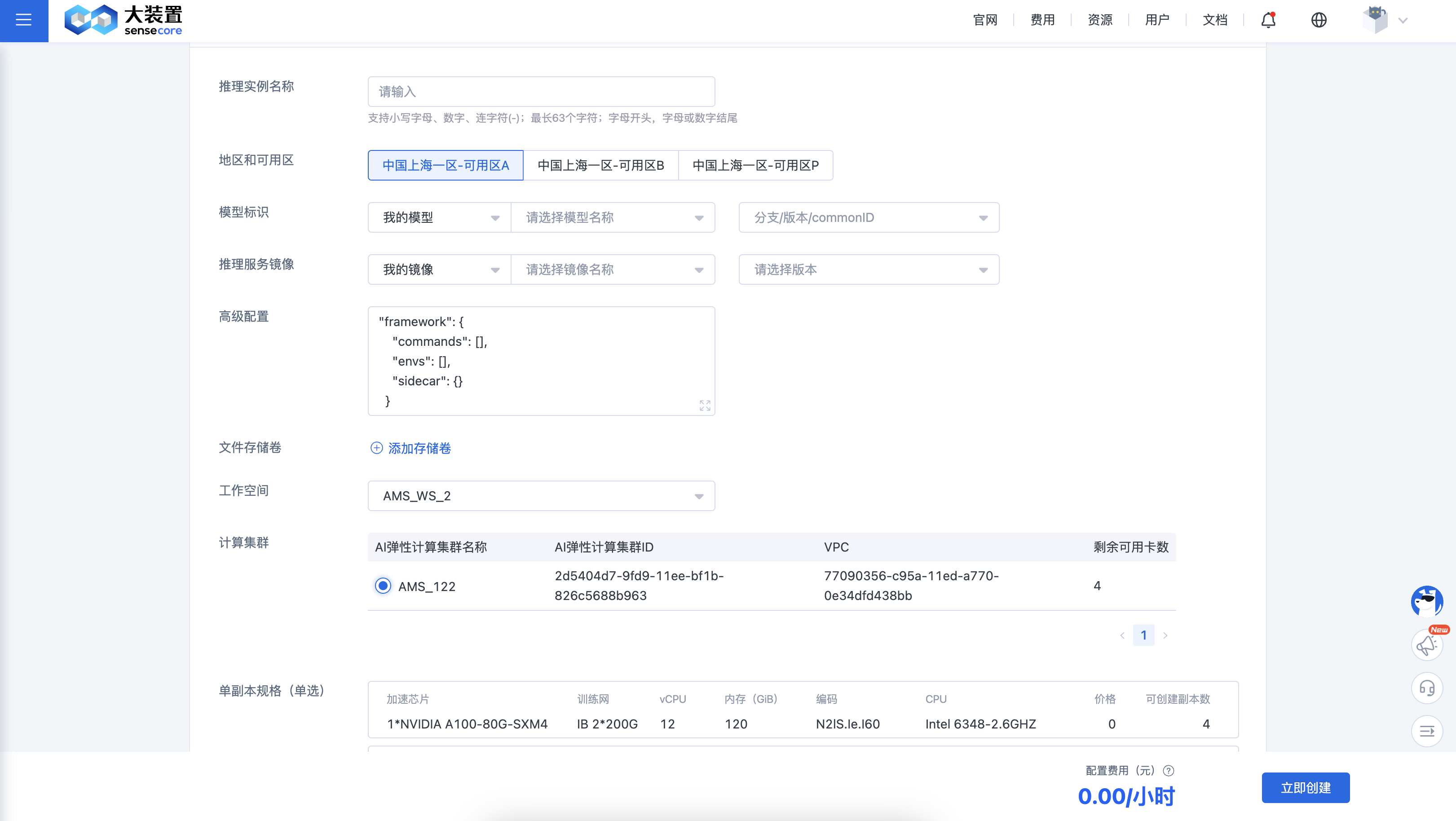
Create Inference Service: One inference service can create n (0<n<=10)inference instances, which clients can select as needed. Taking the above image as an example, enter the inference instance name, service availability zone, select the model and inference image, configure the storage volume, and workspace, and configure the number of service replicas and other information.
Model Identifier: Supports selecting from [Public Models] and [My Models]. The data sources are model files managed by [Model Plaza] and [My Models]. Model Plaza provides publicly available popular models, while My Models supports uploading personal private models.
Inference Service Image: Supports selecting from [Official Image] and [My Image]. The official image is the inference optimization image provided by SenseTime, such as LightLLM, which offers cost-effective solutions for clients' inference needs. [My Image] refers to the client's private images, which can be uploaded via SenseCore's Cloud Container Instance (CCI). Images in the same availability zone under the same account can be accessed through AMS services.
View Inference Service Details
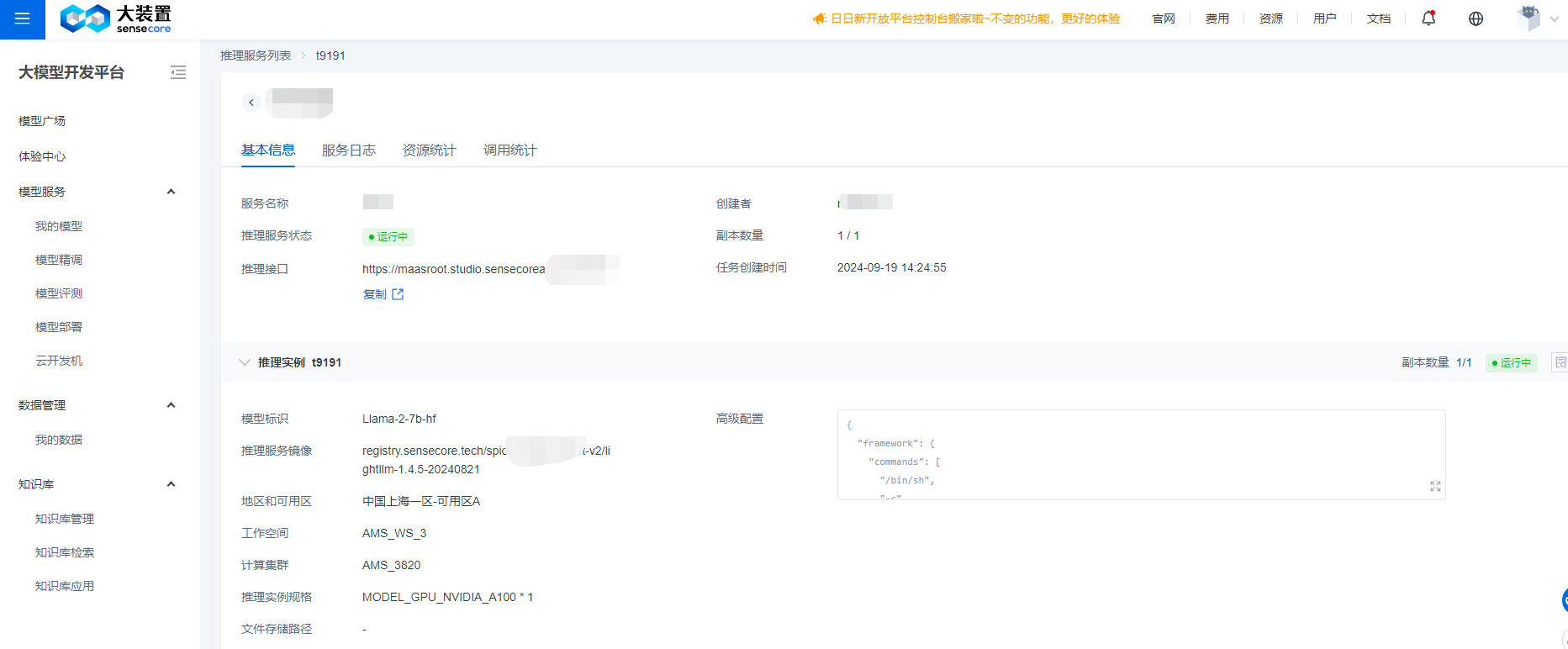
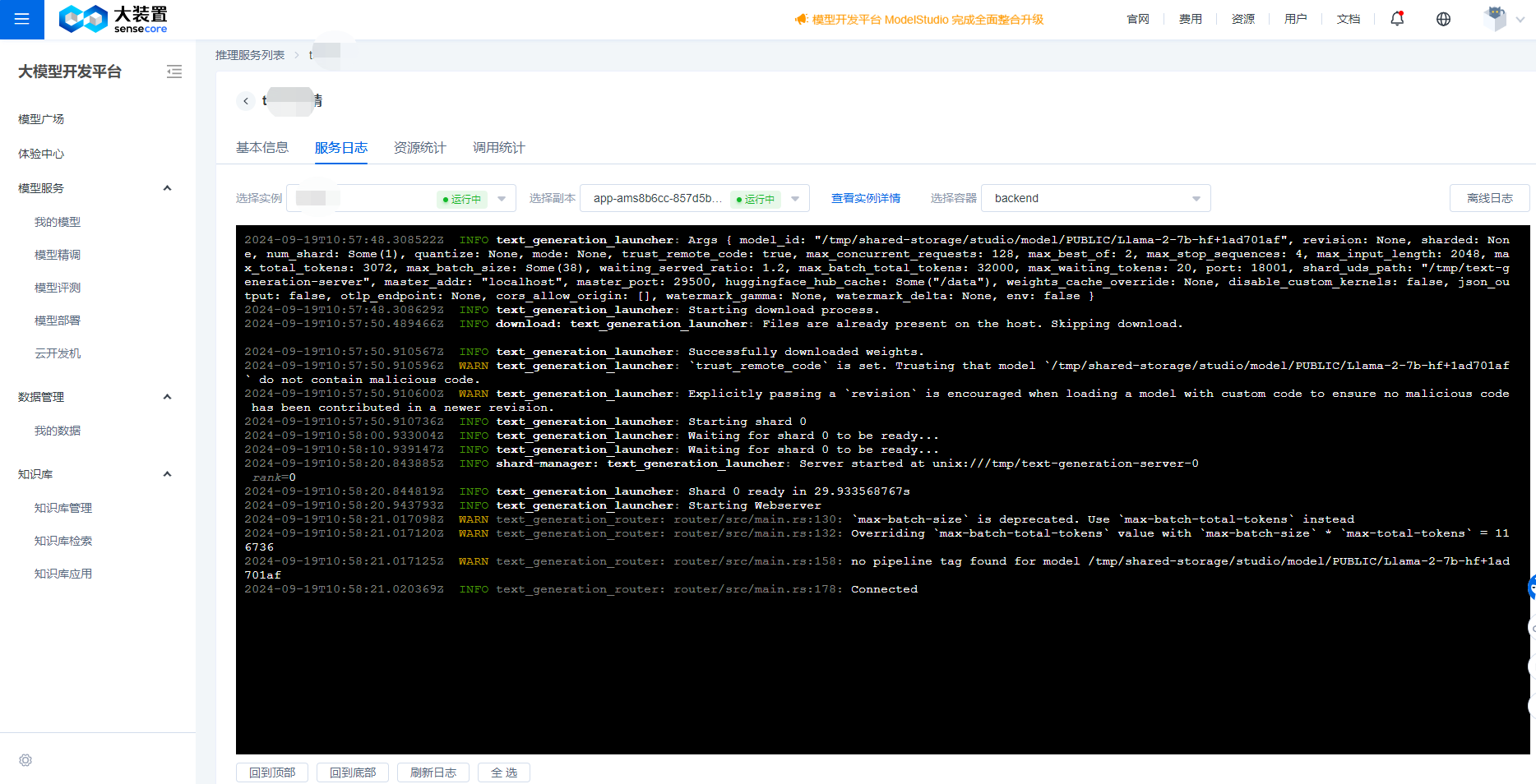
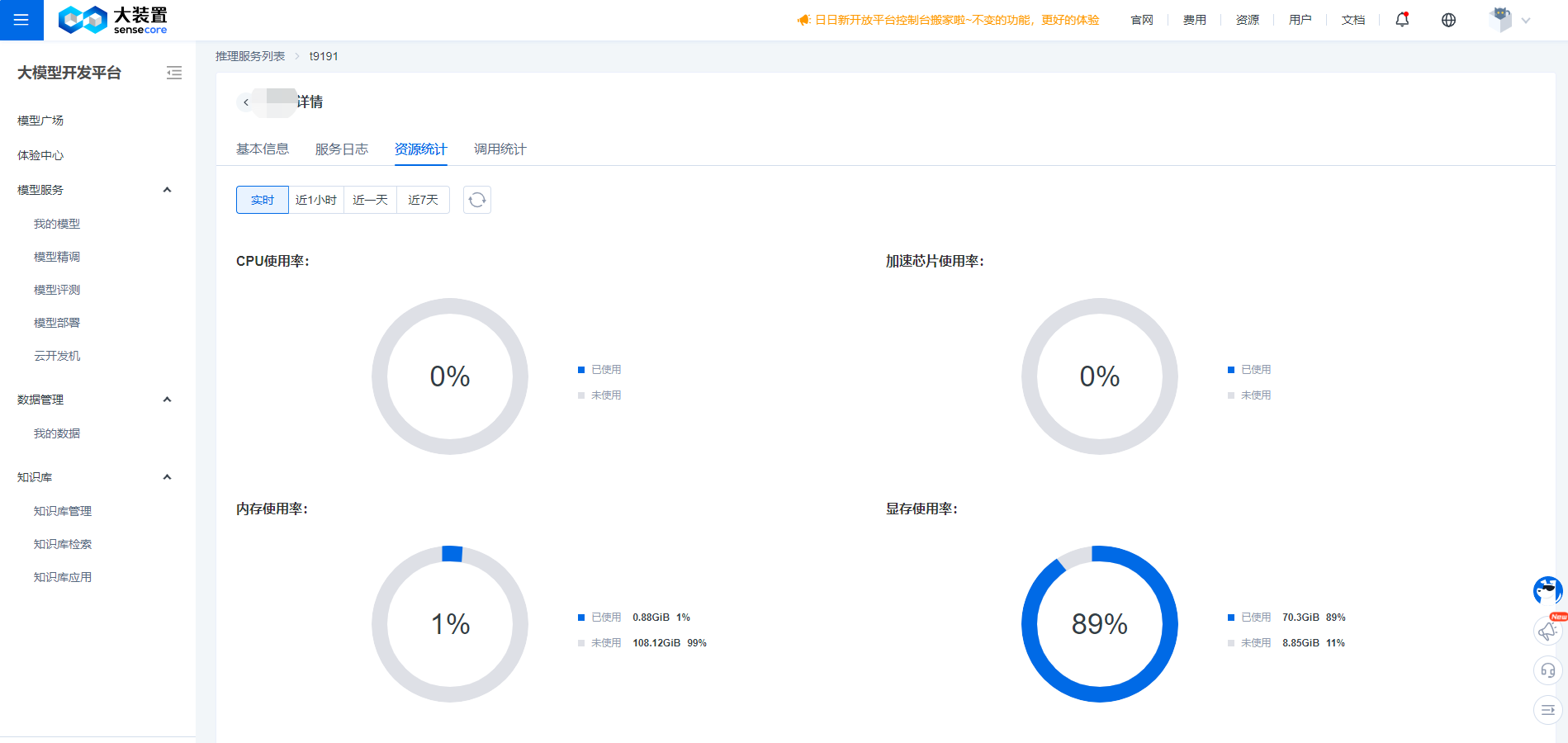
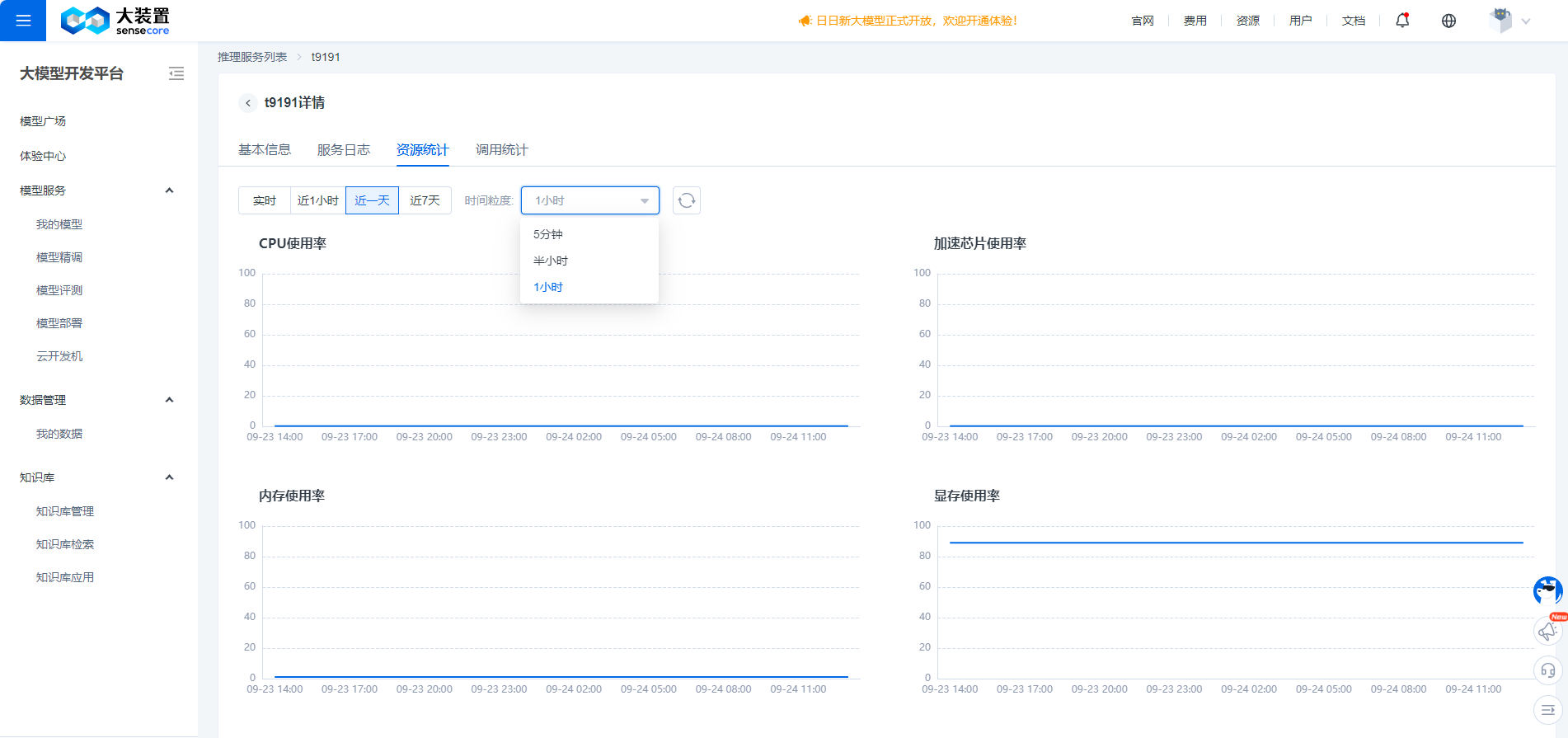
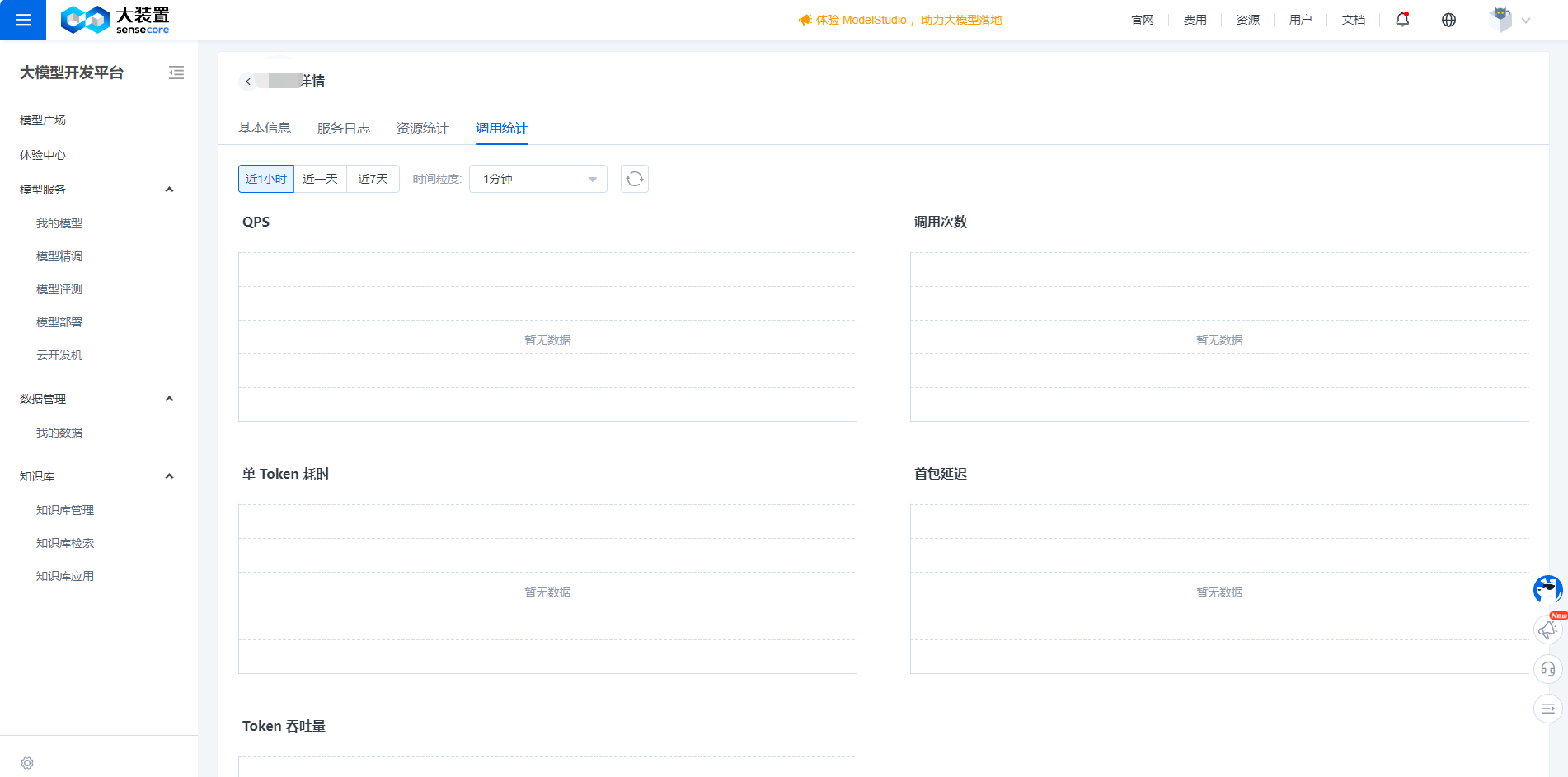
After successfully creating the service, you can enter the details page of the inference service to view specific content and obtain the inference service interface. This interface can help you invoke the inference service capabilities built on your large model. Before formally invoking it, you also need to create a Key for this interface.
Inference Service Authentication Management
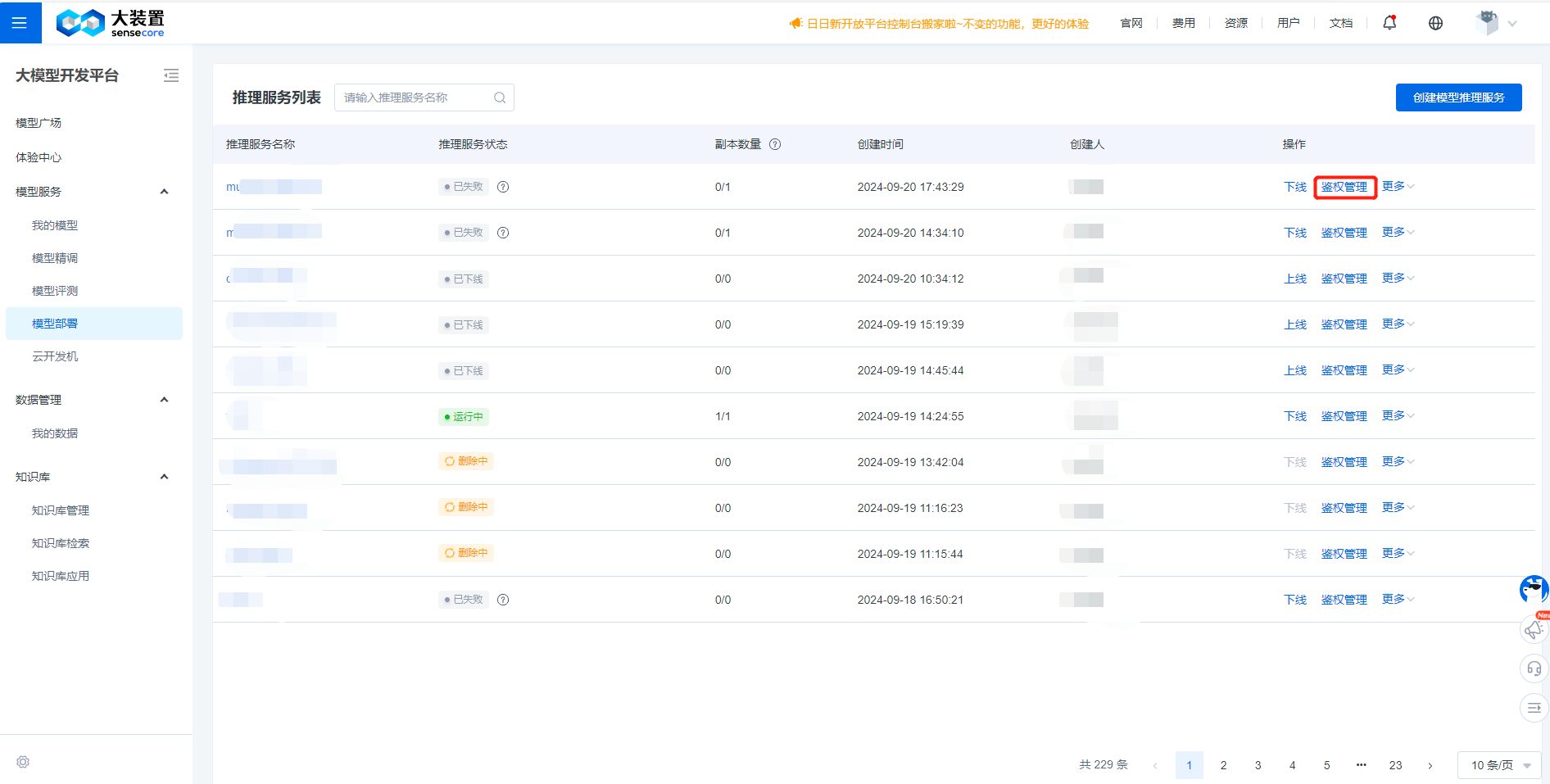
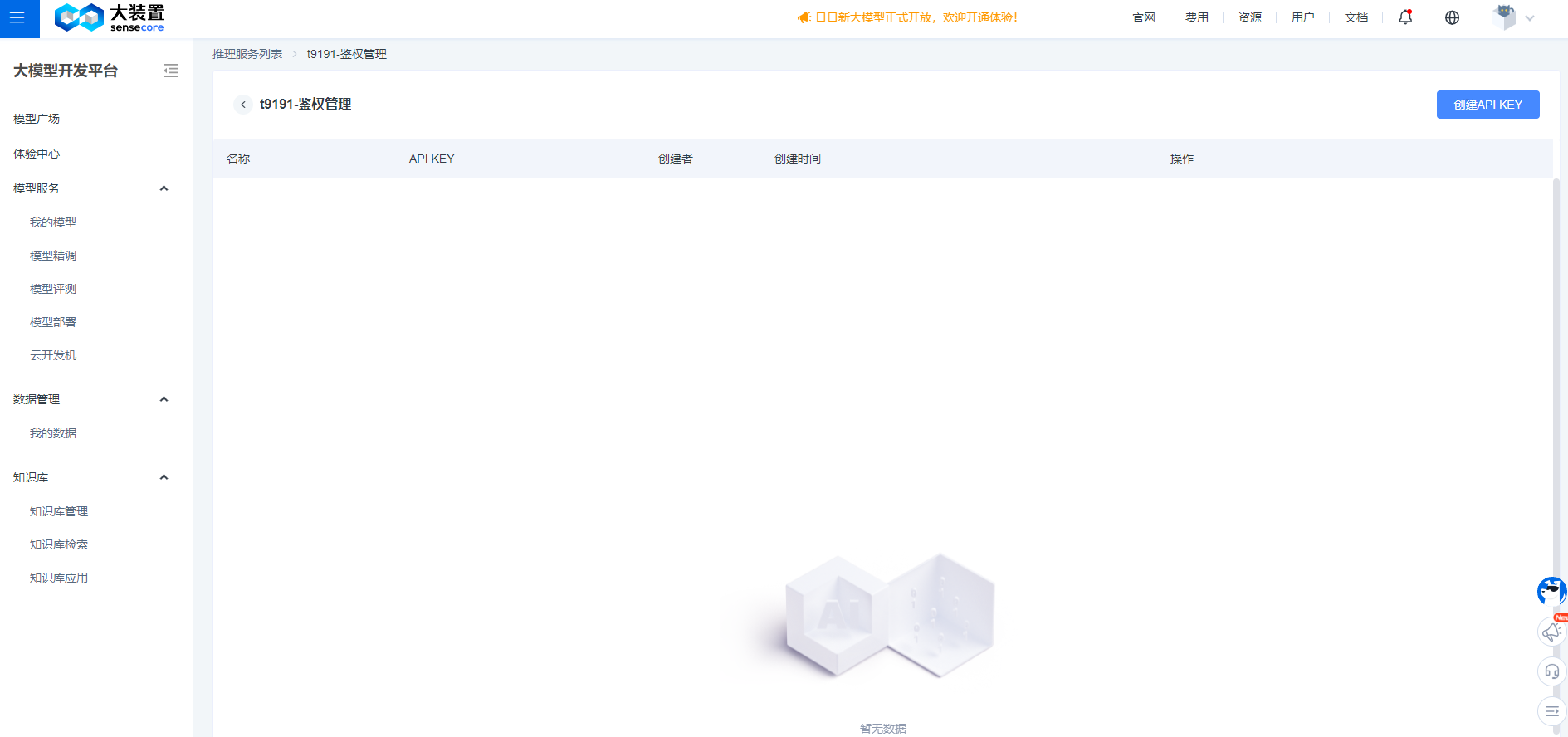
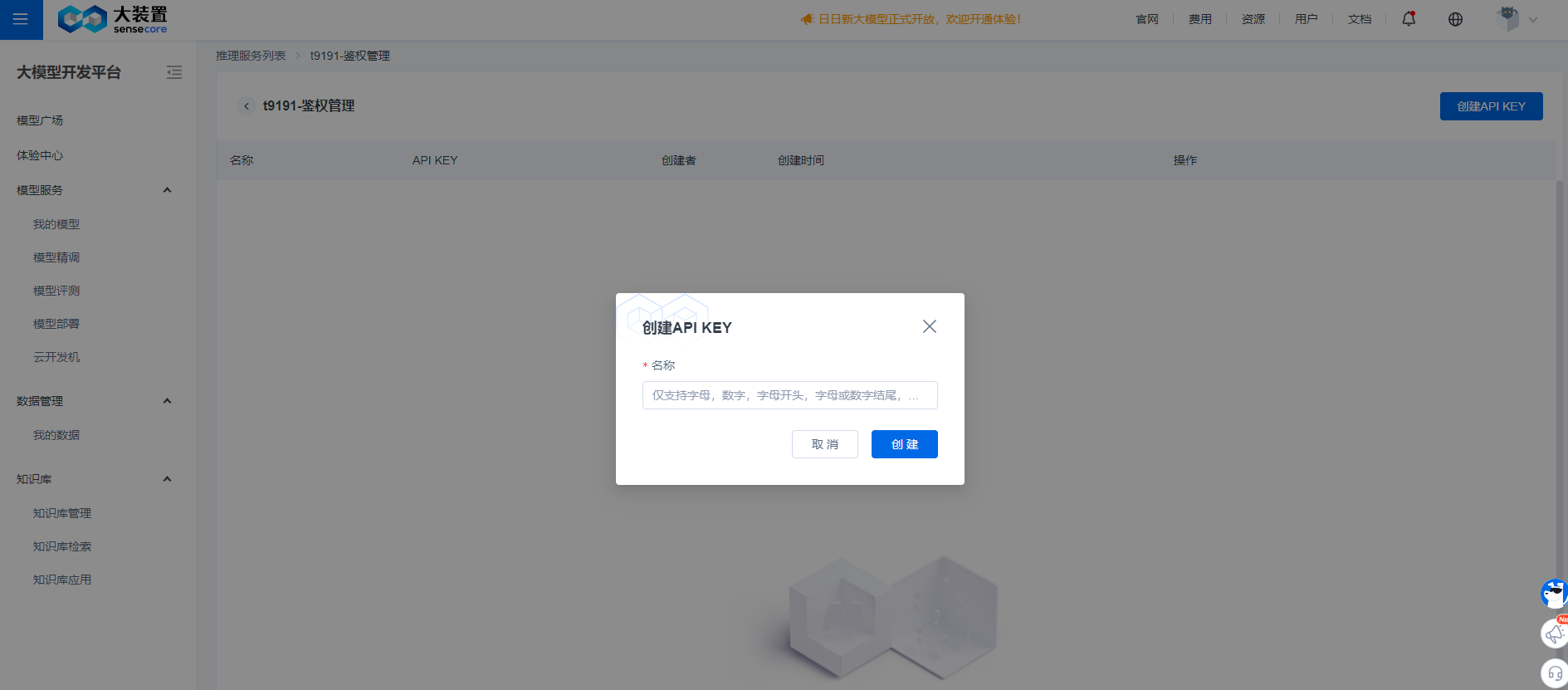
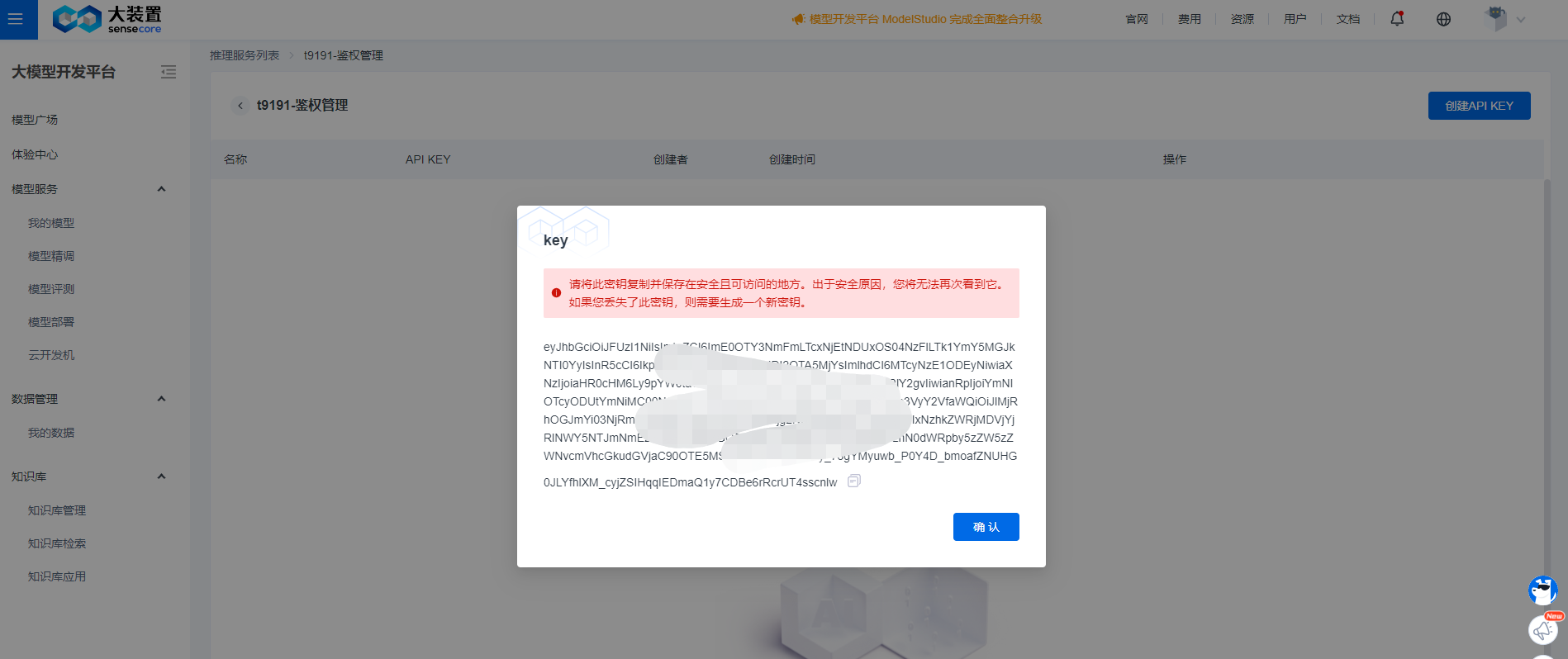
Before you are ready to use the inference service, you need to create a Key for that inference service. With the inference interface and Key, you can invoke the inference service you created. The process for creating the inference service Key is as follows:
Update Inference Service
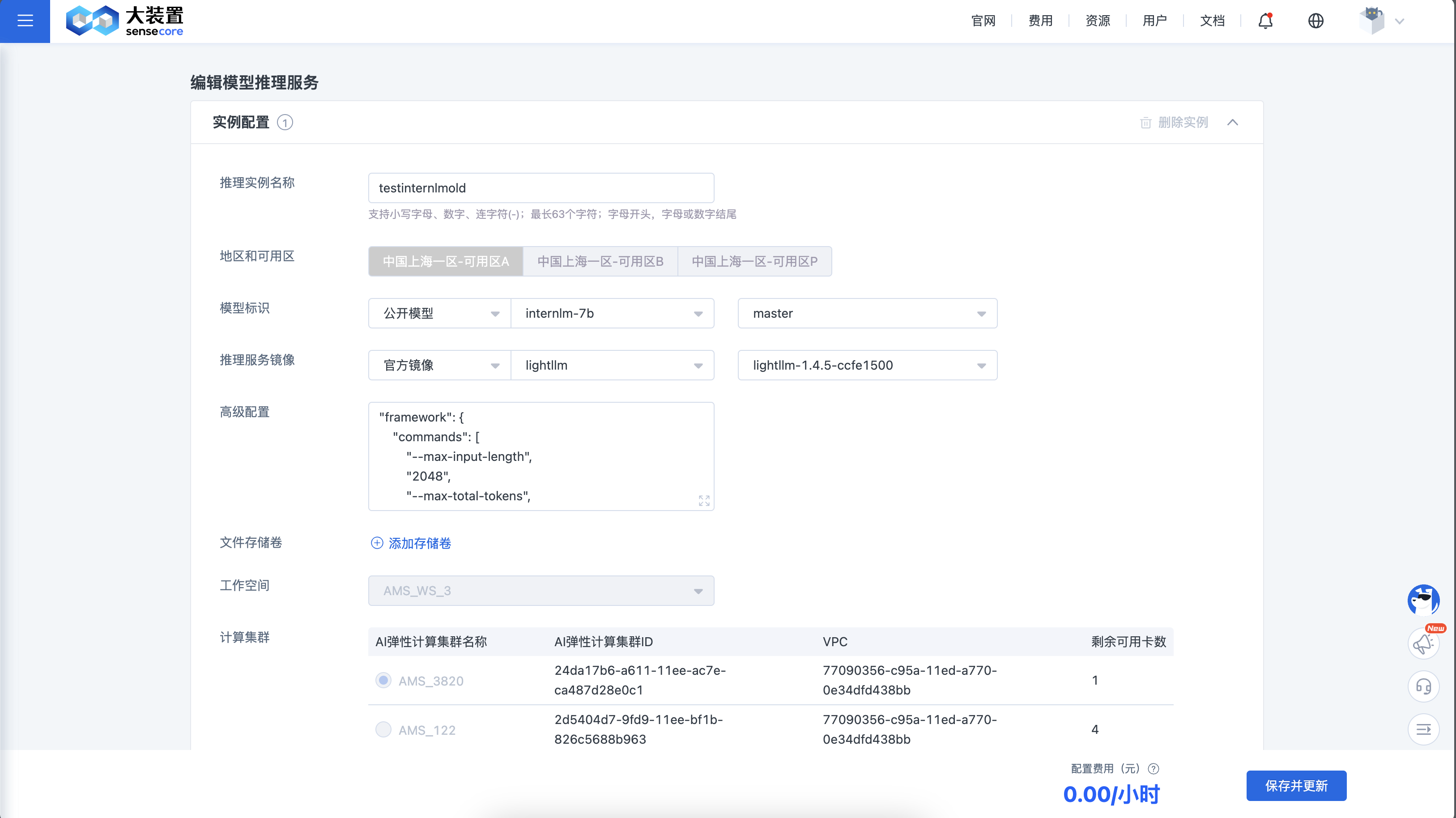
When you need to update the model, inference image, or inference resources of the inference service, you can adjust the inference service using the update inference feature. The specific process is as follows:
Take Inference Service Offline and Online
When you temporarily no longer need to use a certain inference service, you can take the service offline. You can bring the service back online when needed in the future. The specific process is as follows: