Model Fine-tuning
Introduction
Model fine-tuning is a deep learning technique that utilizes a specific domain dataset to further train an existing pre-trained large model, optimizing its performance for specific tasks and application scenarios. The advantage of fine-tuning lies in leveraging the knowledge of the pre-trained model to quickly adapt to new tasks, thereby reducing training time and resource consumption.
Why Model Fine-tuning is Needed
- Domain Knowledge Learning:By fine-tuning with a specific domain dataset, the large model can learn the knowledge and patterns of that domain, helping it achieve better performance on specific tasks.
- Customized Functionality:It empowers the large model with more customized functions. Although general models are powerful, they may perform poorly in specific domains. Fine-tuning allows the model to better adapt to the requirements and characteristics of a specific domain.
Scenarios Suitable for Fine-tuning
First, try adjusting the prompt or using a knowledge base to experience the results. If satisfactory answers are still not obtained, fine-tuning can be used to achieve better results.
Typical Scenarios where Fine-tuning can Improve Results:
- User Intent Classification: When the large model is unaware of the judgment criteria, training with specific data can efficiently complete user intent recognition.
- Fixed Response Style: Such as personified dialogue.
- Complex Task Processing: Tasks that are difficult to achieve through Prompt or knowledge base methods, such as extracting key information from massive amounts of information.
- Large-scale Data Annotation: Tasks requiring a large amount of data annotation with high labor costs can be completed by training a specific domain model.
User Guide
一、Steps for Model Fine-tuning
- Prepare Data: Prepare the corresponding fine-tuning dataset before model fine-tuning. It is typically in a prompt-response dialogue format, and currently, the OpenAI format is supported.
- Select Base Model Choose a suitable base model. Currently, there are many open-source models with varying capabilities. Select a model suitable for your needs based on model capabilities, parameter size, and other dimensions.
- Model Fine-tuning: Select the prepared fine-tuning dataset and train to enhance the performance of the base model by adjusting hyperparameters. Preliminarily judge the training effect through indicators during the training process.
- Model Evaluation: Build a suitable evaluation dataset to assess the trained model, view/test the model's output effect, and verify the effect of the model fine-tuning.
二、Fine-tuning Task Management
Create Task:
- Enter the "ModelStudio" module and click "Model Fine-tuning" to access the model fine-tuning task list.
- Click "Create Task".
- Fill in the task name and description, select the training method and base model, adjust hyperparameters, and select/upload training data. Confirm to create the model fine-tuning task.
- Currently, only OpenAI format data is supported, with file types of json and jsonl. Specific examples are as follows:
[
  {
    "messages": [
      {
        "role": "system",
        "content": "You are an all-knowing, omnipotent AI assistant"
      },
      {
        "role": "user",
        "content": "Please introduce the Renaissance"
      },
      {
        "role": "assistant",
        "content": "The Renaissance was a revival movement concerning art, culture, and academia."
      }
    ]
  }
]
{"messages": [{"role": "system", "content": "You are a helpful assistant"}, {"role": "user", "content": "Please introduce the Renaissance?"}, {"role": "assistant", "content": "The Renaissance was a revival movement concerning art, culture, and academia."},{"role": "user", "content": "How about sculpture?"}, {"role": "assistant", "content": "Sculpture during the Renaissance was also very famous, with several world-class masters emerging from this period"}]}
{"messages": [{"role": "system", "content": "You are a helpful assistant"}, {"role": "user", "content": "Please introduce the Renaissance?"}, {"role": "assistant", "content": "The Renaissance was a revival movement concerning art, culture, and academia."},{"role": "user", "content": "How about sculpture?"}, {"role": "assistant", "content": "Sculpture during the Renaissance was also very famous, with several world-class masters emerging from this period"}]}


Task Details:
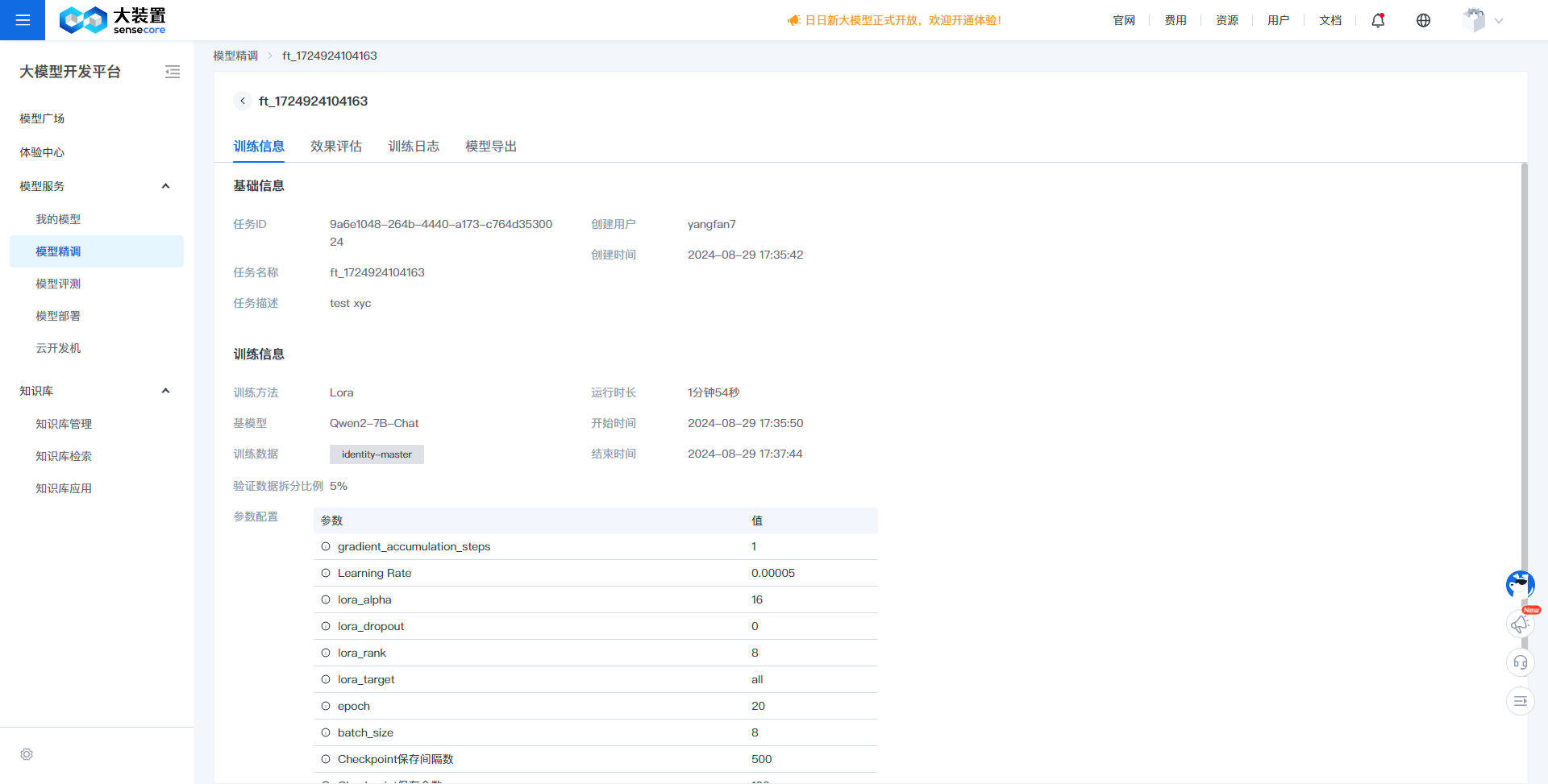
- On the model fine-tuning task page, click a task name to access the task details.
- Task details primarily display the details of the training parameters, including the task name, training method, base model name, hyperparameters, and training data.
Effect Evaluation:
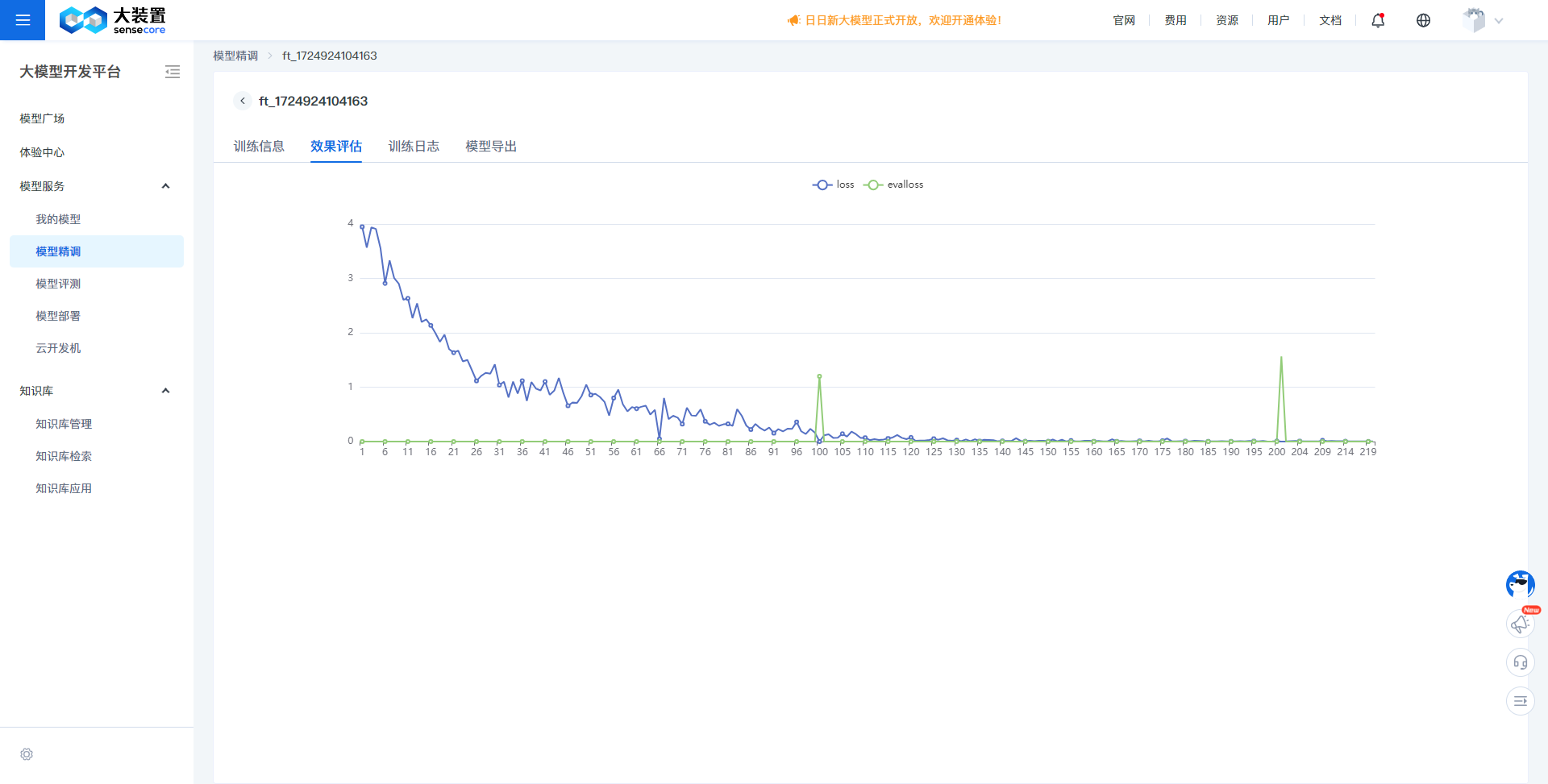
- Effect evaluation displays the trend of the loss function value during the training process, helping to judge the model training effect.
Training Logs:
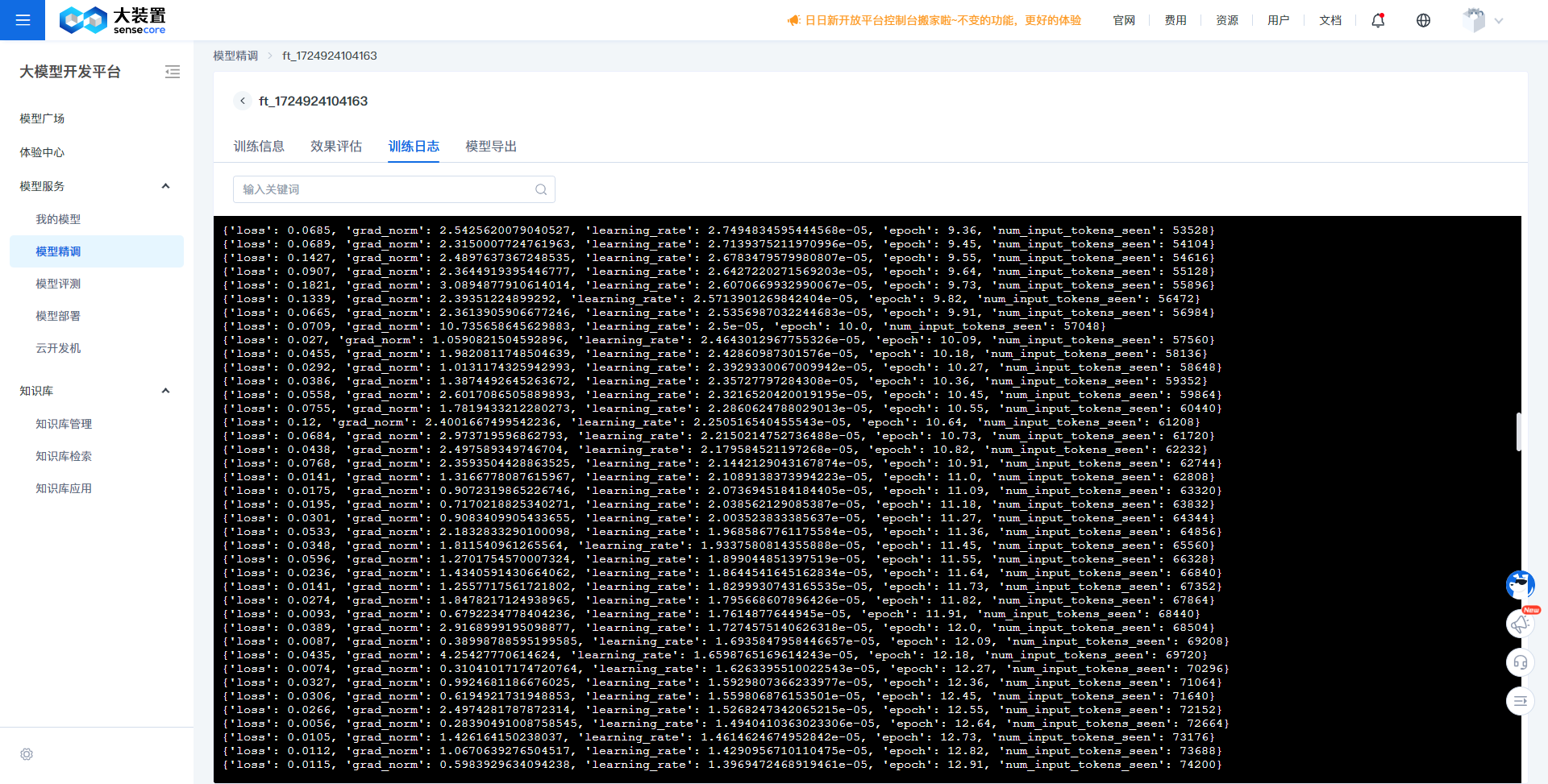
- Training logs display detailed information during the training process, which can be used to locate and track anomalies during training.
Model Export:
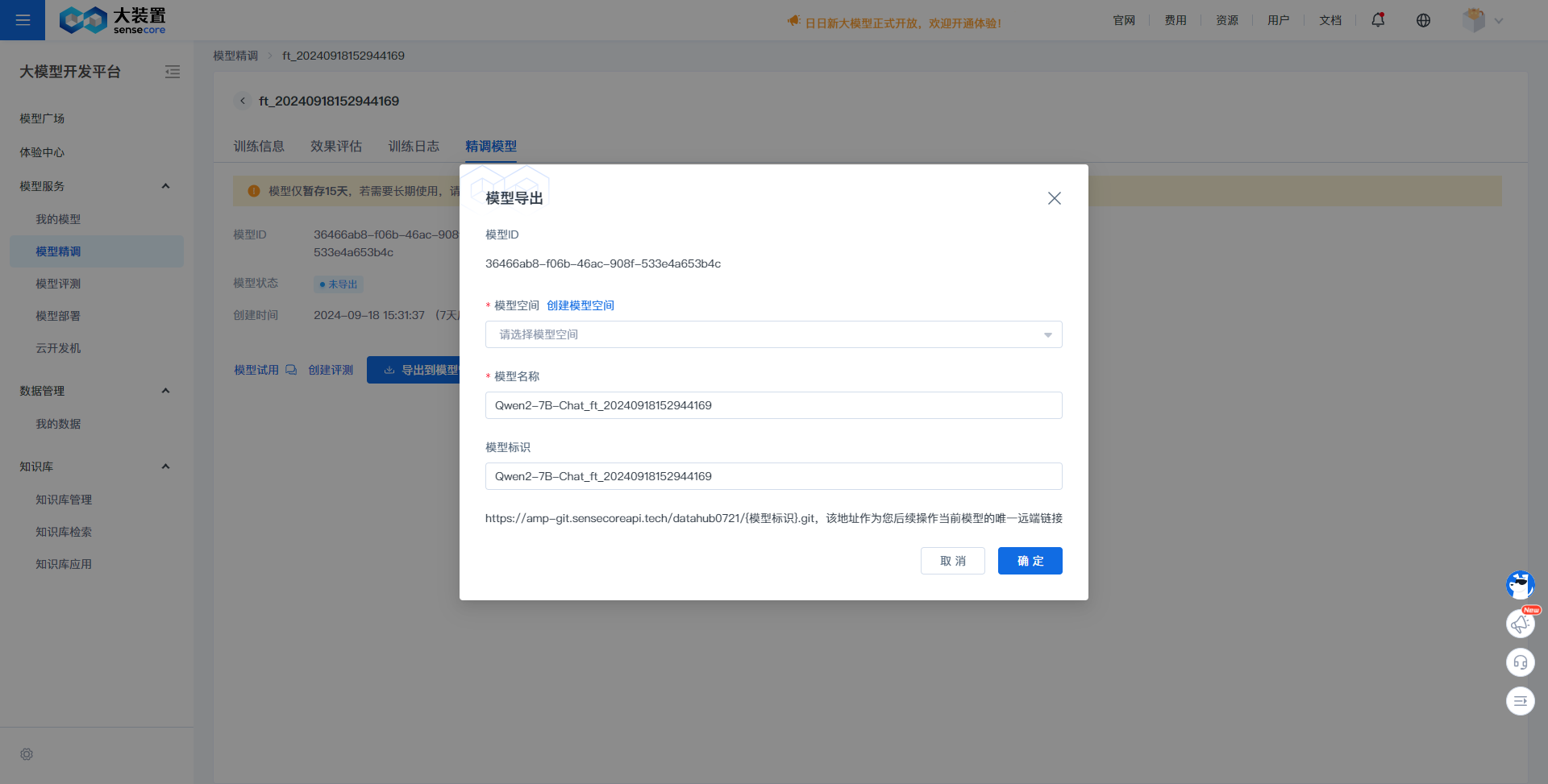
- Model export displays the model generated after training is complete. You can immediately try it out to experience the model effect, or export it to the model platform for management.
Models generated by model fine-tuning are only temporarily stored for 15 days by default and will be cleared after 15 days. If the model is to be used long-term, please export and save it in model management promptly.